
Map a client's chart once,report every month

One mapped structure behind every statement, KPI, report pack and budget.

Sector-neutral by design

The problem

The month goes intomoving the data

Not into the advice. And the cost scales with every client the firm adds, because the work does.

12/year

the same chart of accounts,
mapped again

Every tool, every reporting cycle
Account by account, by hand
No memory of what was decided last month

There is a version of this month

where you map nothing.

Monthly reporting effort goes into moving data, not into advice.

The problem this product exists to remove

Remapping

The same chart of accounts is mapped again in every tool, every reporting cycle, by hand.

§ The problem
Stranded data

Headcount, tonnes, orders and hectares sit beside the ledger with no way to share a formula with it.

§ The problem
Excel consolidation

Consolidation and budgets run on spreadsheets: no audit trail, no version history, and no single current copy.

§ The problem
Capped growth

Data handling grows with the client list, so advisory work cannot grow without the admin growing with it.

§ The problem
Remapping

The same chart of accounts is mapped again in every tool, every reporting cycle, by hand.

§ The problem
Stranded data

Headcount, tonnes, orders and hectares sit beside the ledger with no way to share a formula with it.

§ The problem
Excel consolidation

Consolidation and budgets run on spreadsheets: no audit trail, no version history, and no single current copy.

§ The problem
Capped growth

Data handling grows with the client list, so advisory work cannot grow without the admin growing with it.

§ The problem
The solution

One structure behindevery output

Mapthechartofaccountsonce,andeverystatement,KPI,dashboard,reportpack,consolidationandbudgetderivesfromthatonestructure.

What you get

Three things the firmgets back, and two more

Every one of them follows from mapping the chart of accounts once.

The month

Time back for advice

The reporting structure is built once. The monthly cycle becomes review and commentary instead of rebuilding what you built last month.

The structure

Measures that actually count

Headcount, tonnes, orders and hectares are equal citizens beside financial figures in any KPI formula, on the same structure.
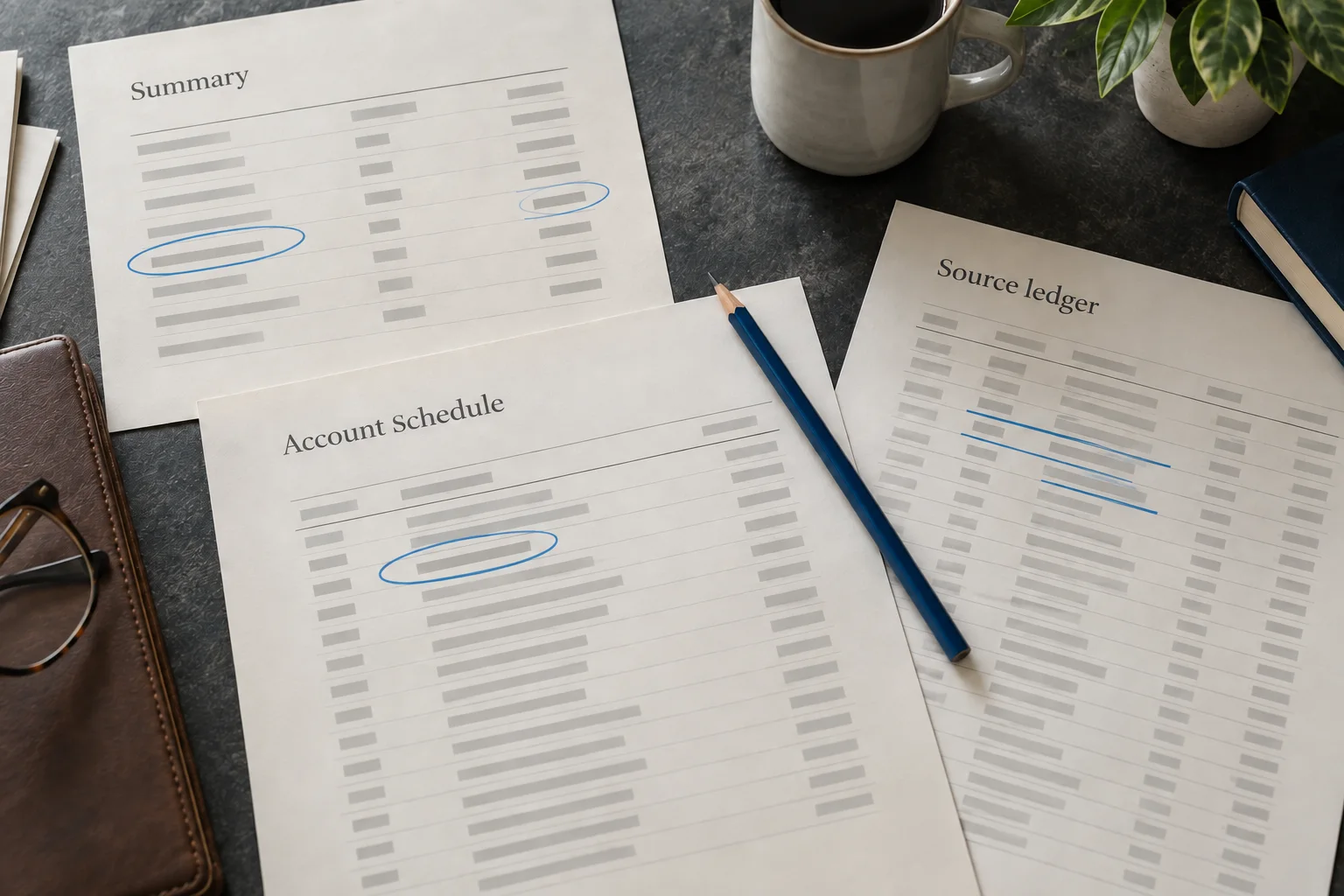
The drill path

Every figure traces back

Drill from any figure to its heading and then to the accounts inside it, so a review question is answered in the report rather than in a workbook.

The guarantee

Mapping you never redo

Every classification, heading, display name and sign reversal survives every sync, untouched. Only genuinely new accounts are surfaced, flagged for a decision.

The layouts

A house format, once

Name a statement layout, then copy it to the next client. The firm's format spreads without being rebuilt per engagement.

How it works

Connect, map, publish, then repeat

Five steps to the first pack, and three that repeat every month after it.

01

Connect Xero, read-only

Complete OAuth for a client organisation. The chart of accounts, tracking categories and at least 24 months of monthly balances import, and the account and period counts are reported back.

02

Map the chart of accounts once

Classify accounts individually or in bulk, build headings, set display names and sign reversals. Plain-language definitions sit inline, and every action is undoable.

03

Watch the statement rebuild

The profit and loss and balance sheet assemble as you classify. Unclassified accounts, empty headings and the balance sheet residual stay visible the whole time.

04

Assemble the pack

Statement blocks and commentary, with prior period and prior year comparatives, previewed exactly as the client will receive it.

05

Publish and share the link

Publisher and timestamp are recorded, the content is frozen, and the PDF matches the preview. The client opens it in a browser with no login.

06

Next month, it syncs

A scheduled or on-demand sync fetches updated balances for every open period. Nothing you mapped is touched.

07

Classify only what is new

Accounts absent from the previous import arrive flagged, with their names and count. Everything already classified stays as it was.

08

Publish the next period

Same layout, same structure, next period. The month becomes review and commentary rather than a rebuild.

FEATURES

One structure, andeverything it drives

Live statements, guided mapping and a drill path from any figure to the accounts behind it

PROFIT AND LOSSMONTHLY
R 100,00
RevenueR 15 500
Gross profitR 4 250
Operating costsR 8 200

The statement rebuilds as you map

Classify an account and the profit and loss and balance sheet rebuild around it, with unclassified accounts, empty headings and the balance sheet residual visible the whole time.

R 10,00
Movement this month
DAILY
Ledgerline

One structure, every output

Drill from any figure to its heading, then to the accounts behind it, with prior period and prior year alongside.

Ledgerline
What belongs in Cost of Sales?
Direct costs of delivering revenue — materials, direct labour and subcontractors. Plain-language definitions sit beside every classification code while you map, so juniors classify without asking.

Guided classification

Plain-language definitions and continuous validation beside every account you map.

Classification
Revenue
Cost of sales
Trading income, other income, recoveries
Materials, direct labour, subcontractors
Operating expenses
Premises, administration, staff costs, depreciation

Classification codes

One code system drives statements, KPIs, packs, consolidation and budgets alike.

Integrations

It reads the ledgeryou already run

Read-only scopes, checked before a connection is stored.

XeroAt launchQuickBooksPlannedSagePlanned

Chart of accounts

Every account comes across as it stands, with its own code and type.

On first connect

Tracking categories

Xero's tracking categories import alongside the accounts they belong to.

On first connect

24+ months of balances

At least twenty-four months of monthly balances, per account, on the first import.

On first connect

New accounts, flagged

An account absent from the last import is surfaced as requiring classification.

Every sync

Archived accounts

An account archived or deleted upstream is handled without touching your mapping.

Every sync

Your mapping, untouched

No sync alters a classification, heading, display name or sign reversal. Ever.

Guaranteed

Read-only scopes

Checked before a connection is stored. No code path in the product writes to a ledger.

Guaranteed

Scheduled or on demand

Sync on a schedule, or the moment you ask for it. Never a live stream.

Your choice

Chart of accounts

Every account comes across as it stands, with its own code and type.

On first connect

Tracking categories

Xero's tracking categories import alongside the accounts they belong to.

On first connect

24+ months of balances

At least twenty-four months of monthly balances, per account, on the first import.

On first connect

New accounts, flagged

An account absent from the last import is surfaced as requiring classification.

Every sync

Archived accounts

An account archived or deleted upstream is handled without touching your mapping.

Every sync

Your mapping, untouched

No sync alters a classification, heading, display name or sign reversal. Ever.

Guaranteed

Read-only scopes

Checked before a connection is stored. No code path in the product writes to a ledger.

Guaranteed

Scheduled or on demand

Sync on a schedule, or the moment you ask for it. Never a live stream.

Your choice

Provider names are used to describe compatibility only. Ledgerline is not affiliated with, endorsed by or certified by any of these providers.

Trust

Handing over client ledgersis a big ask

So here is exactly what the software does, and what it cannot do, with a client's accounting data.

9

code paths that write to a client's ledger

Read-only scopes only, checked before a connection is stored.
8 guarantees, each enforced in code
Law 7

Read-only, always

Read-only scopes only. No code path in the product mutates a ledger, and the scopes are checked before a connection is stored.

Enforced by
tests/never-write-to-xero.test.ts
Law 4

Your mapping is never lost

No sync, import, migration or structural change may alter or discard a classification, heading, display name or sign reversal.

Enforced by
A P1 incident and a rollback condition
Law 8

Firm-level isolation

No user in one firm can reach another firm's data by any route. A hidden button is not a permission.

Enforced by
Every Convex function passes requireAccess
Scope, Phase 1

A revoked link discloses nothing

Revoking a share link denies access without revealing the firm, the client or the report name.

Enforced by
Link revocation, and the audit trail
Law 3

Never a fabricated figure

A number that cannot be computed is shown as an em dash with a reason. Zero means computed, and the answer is zero.

Enforced by
The arithmetic engine's own suites
Law 2

Money is integer cents

No float in any calculation, storage or transport of a monetary value, anywhere, until the moment of display.

Enforced by
The money suite, on every change
Law 5

Derived lines are never stored

Gross profit, EBITDA, net profit, totals and subtotals are recomputed on demand from balances and codes.

Enforced by
So a stored total cannot drift from source
Law 6

Formulas are parsed, never run

No eval, no Function, no template execution, and no expression library that can reach a global.

Enforced by
The formula parser's own suite

Stop rebuilding the same mapping

Connect a client organisation, map the chart of accounts once, and let every statement, pack and budget follow from it.

Book a demoBook a demoRead the guaranteesRead the guarantees